New Doctors: How to Access Your Free One-Year Patient Management Software Offer
Learn how doctors and clinic teams in India can easily access the free one-year introductory offer for Patient Management Software to manage patient…

0 views
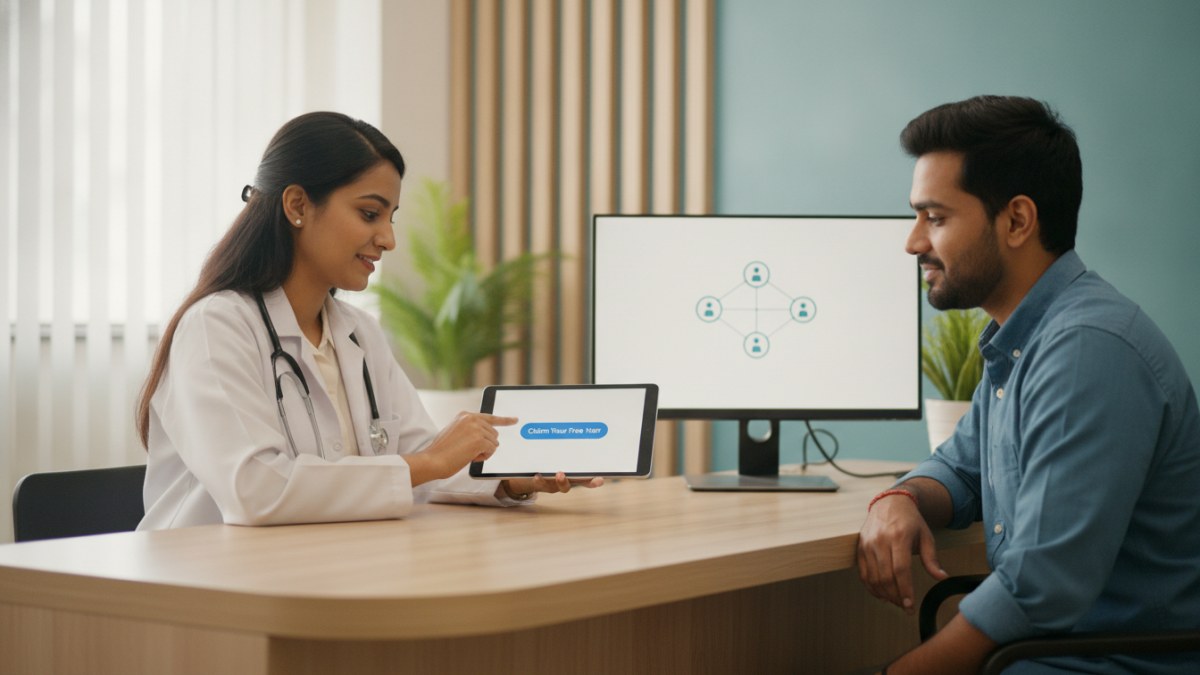
See patient records, consultation notes, digital prescriptions and follow-up features.
Accessing Your Free One-Year Patient Management Software Offer
For doctors in India, managing patient records, consultations, and follow-ups efficiently is crucial. Our Patient Management Software (PMS) offers a streamlined digital workspace to help you keep patient details organised. New doctors can avail an introductory offer of free access for one year.
This offer allows you to experience the benefits of a connected clinical workspace without any payment during the initial year. Here’s how you can access it:
- Find or Register Your Doctor Profile: Visit the DoctorsDetails platform. If you already have a profile, search for it. If not, you will need to register your clinic and create a new doctor profile.
- Verify Your Profile: Once your profile is found or created, you must claim it and complete the verification process. This typically involves verifying a listed email or WhatsApp contact to ensure secure access.
- Start Your PMS Workspace: After successful verification, you can open your secure Patient Management Software workspace. You can then begin adding your first patient and managing their consultations digitally.
This introductory offer is available for doctors joining during the specified period. Details regarding continuation will be shared before your free year concludes.
Key Features of the Patient Management Software
Our Patient Management Software is designed to simplify your daily clinic operations, focusing on patient care and record management.
Efficient Patient Record Management
The software allows you to maintain comprehensive patient records digitally. This includes:
- Patient Registration and Visit History: Easily register new patients and access their complete visit history, ensuring all past interactions are readily available.
- Important History and Allergies: Keep critical patient information, such as allergy history and important notes, visible alongside consultations for informed decision-making.
- Clinical Documents: Upload and manage clinical documents, test reports, and other relevant files within the patient's record.
Streamlined Consultation Workflow
The PMS supports a smooth workflow from consultation to follow-up:
- Consultation Notes: Record presenting complaints, vital signs, and clinical findings during each consultation.
- Digital Prescriptions: Create clear, editable digital prescriptions with details like medicine dose, frequency, duration, food timing, quantity, and patient instructions. These can be printed or saved as PDFs.
- Tests and Follow-up Planning: Advise investigations, track pending reports, and plan future follow-up visits, keeping the patient's care journey connected.
Customisable for Your Practice
The software adapts to your specific practice needs:
- Doctor-Specific Masters: Build and manage your own clinical masters for diagnoses, medicines (generic, brand, strength), and tests, making future consultations quicker.
- Mobile and Desktop Access: Access your PMS workspace from both mobile devices and desktop browsers, offering flexibility for your practice setup.
This Patient Management Software is linked to your verified doctor profile, ensuring a secure and personalised workspace for your clinic.
Explore the supported features for this workflow: Patient Management Software for doctors.
Explore doctor profiles and clinic details
Use these directory pages to check listed contact and clinic information. Confirm current fees and appointment availability with the clinic; these links are not endorsements.

General Physician · Hatpipliya
Dr. Vishnu Prasad Malviya
Contact clinic for availability.
क्लिनिक से संपर्क करें
देवास जिला · MBBS 2022
- General Consultation

MBBS · General Physician · Jabalpur
Dr. Aditya Kumar
Contact clinic for availability.
क्लिनिक से संपर्क करें
कर्मेता, जबलपुर
- General Consultation
- Diabetes Care
- Blood Pressure Management
- Wound Dressing
Ophthalmologist - Gurgaon
Dr. Sanjeev Bisla
Contact the clinic for appointments.
- Cataract Surgery
- LASIK & Contoura Vision
- SMILE Eye Surgery
- Retina Treatment
- Glaucoma Care
- Cornea & Keratoconus Care
- Eye Examination
- Squint Treatment

See patient records, consultation notes, digital prescriptions and follow-up features.