How to Set Up Digital Prescriptions in Your Patient Management Software
Learn to configure your Patient Management Software for efficient digital prescription creation. This guide helps doctors and clinic teams streamline…

2 views
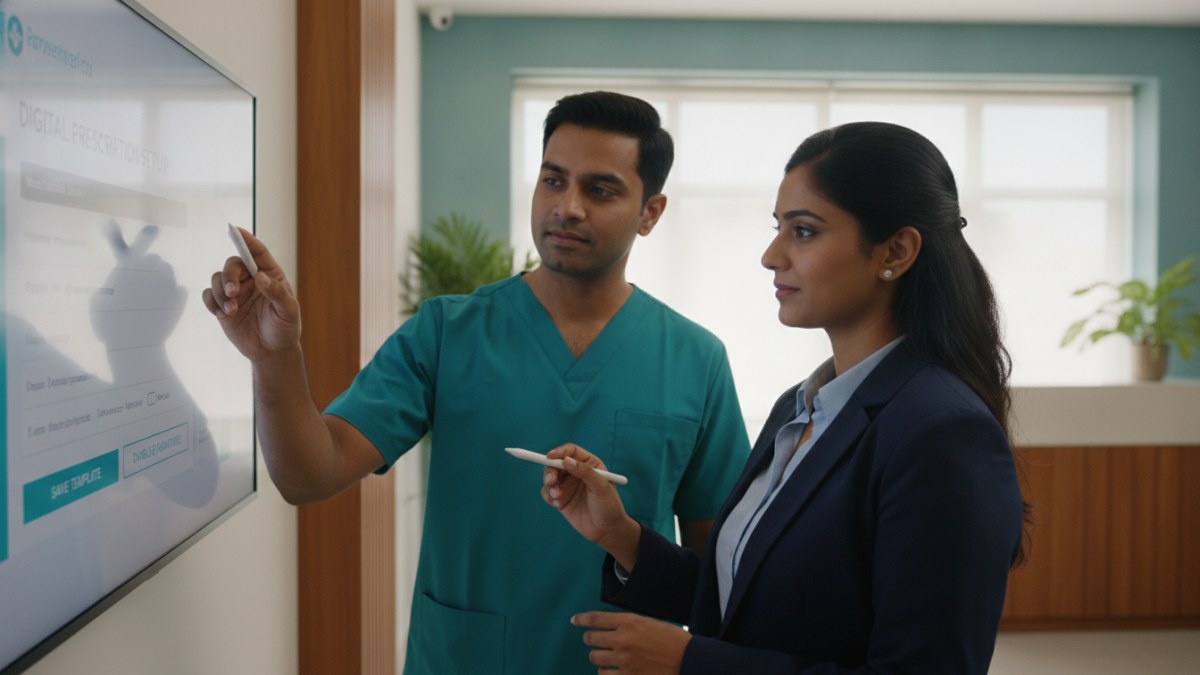
See patient records, consultation notes, digital prescriptions and follow-up features.
Getting Started with Digital Prescriptions
Creating digital prescriptions can significantly enhance your clinic's efficiency and patient care. Patient Management Software (PMS) allows you to maintain a clear, organised record of medicines and instructions for each patient. This guide outlines the steps to set up and utilise the digital prescription feature within your PMS.
- Register or Claim Your Doctor Profile: Before accessing the PMS, ensure your doctor profile is registered or claimed on the platform. This step links your secure workspace to your professional identity.
- Verify Your Account: Complete the necessary verification steps, often involving a registered email or WhatsApp contact, to secure your access to the PMS.
- Access Your Clinic Workspace: Once verified, log in to your dedicated clinic workspace. This is where you will manage all patient-related activities.
-
Customise Your Clinical Masters: To speed up prescription writing, you can add and manage your own frequently used diagnoses, tests, and medicines. This creates a personalised library tailored to your specialty and practice.
- Add Diagnoses: Incorporate common diagnoses relevant to your practice. The system may offer specialty-based suggestions to help you start.
- Input Medicines: Add generic and brand names, strengths, dosage forms, and common instructions for medicines you prescribe regularly.
- List Investigations/Tests: Include the investigations and tests you commonly advise for patients.
-
Create a Digital Prescription During Consultation: During a patient consultation, navigate to the prescription section within the PMS.
- Select Medicines: Choose medicines from your customised master list or add new ones as needed.
- Enter Instructions: Specify dose, frequency, duration, food timing, quantity, and any other patient-specific instructions. These details are editable for each patient.
- Review and Finalise: Before saving or printing, review the prescription for accuracy and clarity.
- Save or Print the Prescription: Once finalised, you can save the digital prescription to the patient's record or print a copy for the patient.
Benefits of Using Patient Management Software
A robust Patient Management Software offers a connected clinical workspace that brings together various aspects of patient care. It helps doctors manage patient registration, review visit history, record current consultations, create digital prescriptions, advise tests, and plan follow-up care without switching between separate records.
Key Features for Your Practice
- Patient Registration and Visit History: Keep a comprehensive record of every patient's visits, including important history and allergy alerts.
- Consultation Notes: Document presenting complaints, vitals, and clinical findings efficiently.
- Digital Prescriptions: Generate clear, editable prescriptions with detailed medicine instructions.
- Tests and Reports: Advise investigations, track pending reports, and upload received documents directly to the patient's file.
- Follow-up Planning: Schedule and track future appointments and follow-up actions.
- Customisable Masters: Personalise your library of diagnoses, medicines, and tests to match your practice's needs.
- Accessibility: Access your secure workspace on both mobile and desktop browsers, allowing flexibility in your practice.
Doctors Details offers an introductory access to its Patient Management Software, free for one year, for doctors who join during the offer period. This allows you to experience a more organised way to manage your clinic without initial payment.
Explore the supported features for this workflow: Patient Management Software for doctors.
Explore doctor profiles and clinic details
Use these directory pages to check listed contact and clinic information. Confirm current fees and appointment availability with the clinic; these links are not endorsements.

General Physician · Hatpipliya
Dr. Vishnu Prasad Malviya
Contact clinic for availability.
क्लिनिक से संपर्क करें
देवास जिला · MBBS 2022
- General Consultation
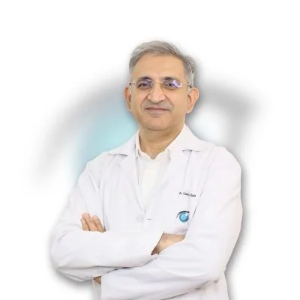
Ophthalmologist - Gurgaon
Dr. Sanjeev Bisla
Contact the clinic for appointments.
- Cataract Surgery
- LASIK & Contoura Vision
- SMILE Eye Surgery
- Retina Treatment
- Glaucoma Care
- Cornea & Keratoconus Care
- Eye Examination
- Squint Treatment

MBBS · General Physician · Jabalpur
Dr. Aditya Kumar
Contact clinic for availability.
क्लिनिक से संपर्क करें
कर्मेता, जबलपुर
- General Consultation
- Diabetes Care
- Blood Pressure Management
- Wound Dressing

See patient records, consultation notes, digital prescriptions and follow-up features.