How to Outline Patient Education Articles from Common Questions
Transform frequently asked patient questions into structured, helpful health articles. Learn to identify key topics and organise content effectively for…

3 views Updated 27 Oct 2026
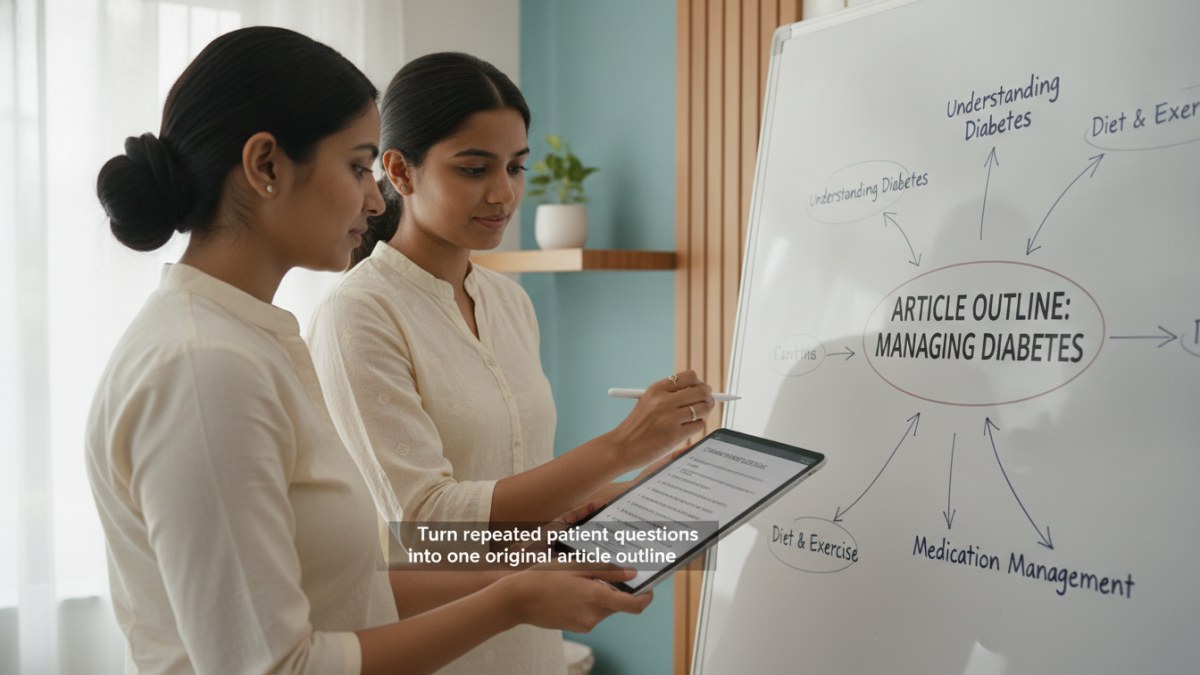
Learn how to write an original article and submit it for editorial review.
Turning Patient Queries into Useful Article Outlines
Doctors often encounter similar questions from multiple patients. These recurring queries are excellent starting points for creating patient education articles. By addressing these common concerns, you can provide valuable information that helps patients understand their health better, even outside of consultations.
Here’s a step-by-step approach to outline an original patient education article based on questions you hear daily:
- Identify Recurring Questions: Keep a mental note or a brief list of questions patients frequently ask during their visits. For instance, if many patients ask about managing a common chronic condition or understanding a specific diagnostic test, these are strong candidates for an article.
- Group Similar Queries: Look for themes among the questions. Several different questions might point to a single core topic. Group them to form the main sections or sub-headings of your article.
- Determine the Core Message: What is the single most important takeaway you want patients to have after reading your article? This will be your article's central theme.
- Structure Your Outline: Begin with an introduction that sets the context, followed by sections addressing the grouped questions. Conclude with a summary or key actionable advice.
- Draft Key Points for Each Section: For each section, list the essential information you want to convey. Use simple, clear language that patients can easily understand, avoiding complex medical jargon where possible.
- Consider a Catchy Title: Once your outline is ready, think of a title that is informative and engaging, reflecting the common patient question it addresses.
Publishing Your Patient Education Articles
Once you have an article outline, you can develop it into a full piece of patient education content. Platforms like Doctors Details offer a dedicated workspace for doctors to write and publish these articles.
How to Publish Your Article
- Access Your Doctor Workspace: Log in to your Doctors Details account. If you don't have a profile, you can register or claim one.
- Create Your Original Article: Navigate to the 'My blogs' section and start writing your patient education article based on your outline. Focus on clear, understandable health guidance.
- Select a Banner Image: You can upload a suitable image or choose from up to three AI-generated banner options to make your article visually appealing.
- Submit for Review: Once your article is complete and you've selected a banner, submit it for admin review. This ensures all public content is presented responsibly.
- Track Article Views: After approval and publication, you can monitor the number of views your article receives directly from your 'My blogs' dashboard.
Every approved patient education article published on Doctors Details will carry your name and include a direct link to your doctor profile, enhancing your professional presence and helping patients connect with you.
Explore the supported features for this workflow: Doctor blog writing and publishing.
Explore doctor profiles and clinic details
Use these directory pages to check listed contact and clinic information. Confirm current fees and appointment availability with the clinic; these links are not endorsements.
Ophthalmologist - Gurgaon
Dr. Sanjeev Bisla
Contact the clinic for appointments.
- Cataract Surgery
- LASIK & Contoura Vision
- SMILE Eye Surgery
- Retina Treatment
- Glaucoma Care
- Cornea & Keratoconus Care
- Eye Examination
- Squint Treatment

MBBS · General Physician · Jabalpur
Dr. Aditya Kumar
Contact clinic for availability.
क्लिनिक से संपर्क करें
कर्मेता, जबलपुर
- General Consultation
- Diabetes Care
- Blood Pressure Management
- Wound Dressing


Learn how to write an original article and submit it for editorial review.