How to Link Your Patient Education Article to Your Doctor Profile
Learn the simple steps to publish patient education articles on Doctors Details, ensuring each piece is attributed to your professional profile.

5 views Updated 27 Oct 2026
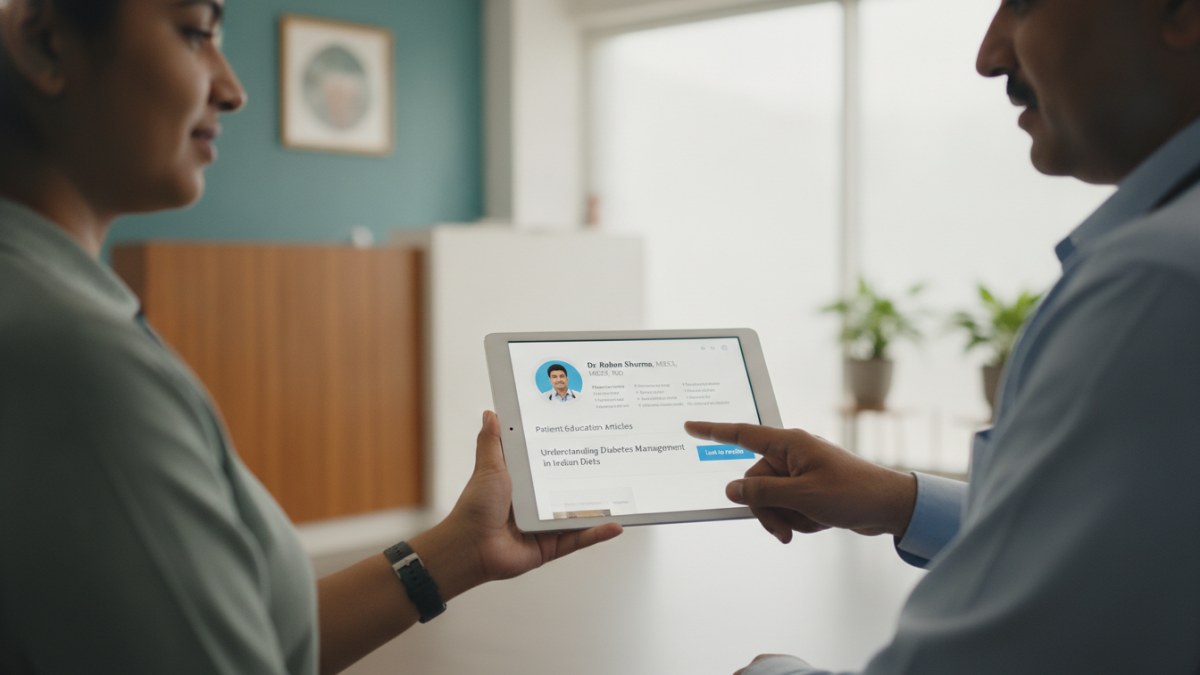
Learn how to write an original article and submit it for editorial review.
Ensuring Your Articles Reflect Your Expertise
Publishing patient education articles is a valuable way to share your medical knowledge with a wider audience. On Doctors Details, every approved article you write is directly linked to your doctor profile, clearly showcasing your authorship and providing readers a direct path to learn more about you.
This process ensures that your contributions are properly attributed, enhancing your professional presence and making it easier for patients to connect with your expertise.
Steps to Publish and Link Your Article
Follow these steps to write and publish your patient education article, ensuring it is linked to your doctor profile:
- Create or Claim Your Doctor Profile: First, ensure you have an active doctor profile on Doctors Details. This is the foundation for publishing your articles and linking them to your professional identity.
- Access Your Doctor Workspace: Log into your doctor workspace. Here, you will find the tools to begin drafting your patient education content.
- Write Your Original Article: In the 'My blogs' section of your workspace, start writing your patient education article. Focus on providing clear, useful health guidance that patients can easily understand.
- Select a Banner Image: Once your article is complete, you can either upload a suitable image for your article banner or choose from up to three AI-generated banner options provided.
- Submit for Admin Review: After selecting your banner, submit your article for admin review. All public content undergoes a review process to ensure it is responsibly presented and meets platform guidelines.
- Publication and Profile Linkage: Upon approval, your article will be published. It will prominently display your name as the author and include a direct link to your doctor profile on Doctors Details.
- Track Article Views: You can monitor the performance of your published articles by checking the recorded views in your 'My blogs' dashboard within your doctor workspace.
Why Link Your Articles?
Linking your patient education articles to your doctor profile offers several advantages:
- Professional Attribution: Every piece of content you publish carries your name, reinforcing your professional identity and expertise.
- Enhanced Visibility: Readers who find your articles can easily navigate to your profile to learn more about your specialisation and practice.
- Centralised Presence: It consolidates your professional contributions, creating a cohesive online presence where your articles and profile are seamlessly connected.
Explore the supported features for this workflow: Doctor blog writing and publishing.
Explore doctor profiles and clinic details
Use these directory pages to check listed contact and clinic information. Confirm current fees and appointment availability with the clinic; these links are not endorsements.

General Physician · Hatpipliya
Dr. Vishnu Prasad Malviya
Contact clinic for availability.
क्लिनिक से संपर्क करें
देवास जिला · MBBS 2022
- General Consultation

MBBS · General Physician · Jabalpur
Dr. Aditya Kumar
Contact clinic for availability.
क्लिनिक से संपर्क करें
कर्मेता, जबलपुर
- General Consultation
- Diabetes Care
- Blood Pressure Management
- Wound Dressing
Ophthalmologist - Gurgaon
Dr. Sanjeev Bisla
Contact the clinic for appointments.
- Cataract Surgery
- LASIK & Contoura Vision
- SMILE Eye Surgery
- Retina Treatment
- Glaucoma Care
- Cornea & Keratoconus Care
- Eye Examination
- Squint Treatment

Learn how to write an original article and submit it for editorial review.