Doctor Articles: Patient Education Ke Liye Editorial Review Process Kaise Samjhein?
Doctors, clinic teams aur MRs ke liye yeh guide samjhata hai ki patient education articles DoctorsDetails par publish hone se pehle kaise review hote hain.

0 views
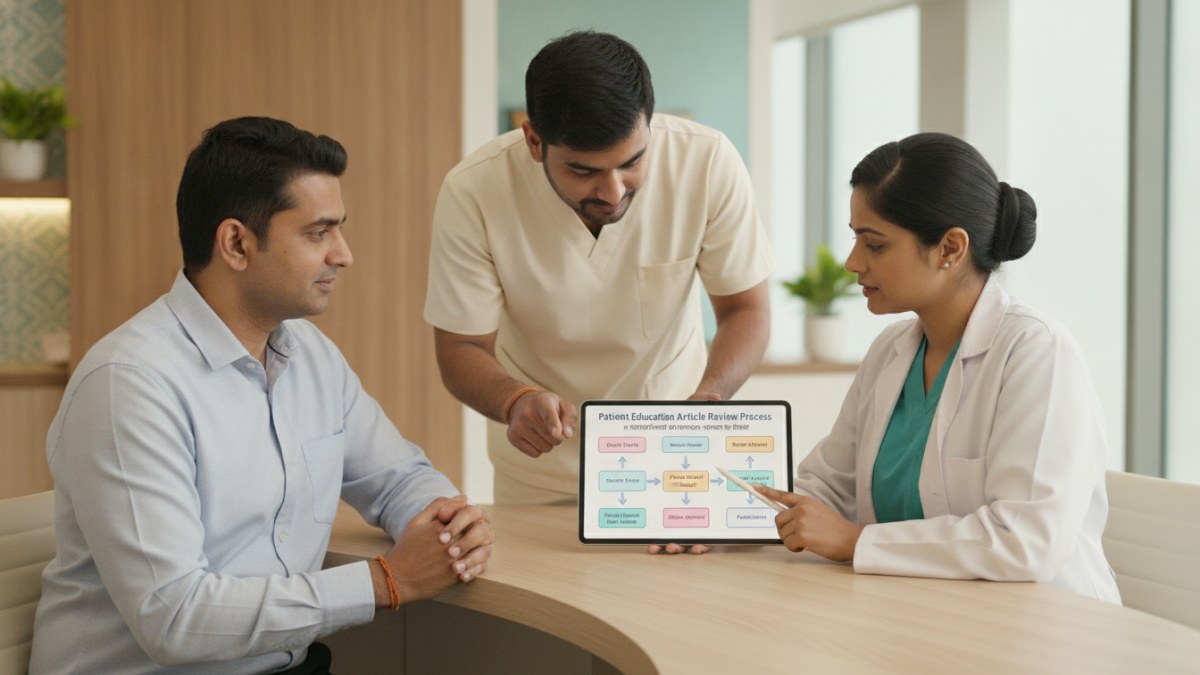
Learn how to write an original article and submit it for editorial review.
DoctorsDetails platform par patient education articles publish karna ek zimmedari ka kaam hai. Har article ko public ke liye available hone se pehle ek editorial review process se guzarna hota hai. Is process ko samajhna aapko high-quality content banane mein madad karega jo patients ke liye useful ho.
Editorial Review Process Kya Hai?
Jab aap DoctorsDetails par koi patient education article likhte hain aur submit karte hain, toh woh seedhe publish nahi hota. Har article ko platform ke admin dwara review kiya jaata hai. Is review ka maksad yeh ensure karna hai ki content sahi, zimmedari se pesh kiya gaya ho, aur patients ke liye samajhne mein aasaan ho.
- Article Likhein: Apne doctor workspace mein ek original patient education article likhein.
- Banner Chunein: Ek suitable banner image upload karein ya teen AI banner options mein se ek chunein.
- Review Ke Liye Submit Karein: Article aur banner choose karne ke baad, use admin review ke liye submit karein.
- Admin Review: Platform admin aapke article ko publish karne se pehle review karega. Yeh approval public content ko responsibly present karne ke liye zaroori hai.
- Publication: Approval milne ke baad, aapka article DoctorsDetails par publish ho jaayega. Har approved article aapke naam ke saath publish hota hai aur readers ko aapki doctor profile tak direct path deta hai.
Apne Articles Ko Track Kaise Karein?
Publish hone ke baad, aap apne articles ke views ko track kar sakte hain. Aapke dashboard mein 'My blogs' section mein har published article ke recorded views dikhenge. Isse aapko yeh samajhne mein madad milti hai ki kaun se topics readers ke liye zyada interesting hain.
DoctorsDetails Patient Management Software (PMS)
DoctorsDetails Patient Management Software (PMS) aapko apne clinic ke daily operations ko manage karne mein madad karta hai. Yeh software aapke patient data ko organize karne, records maintain karne aur clinic ke workflow ko smooth banane ke liye design kiya gaya hai.
- Patient Records: Patients ki jaankari, medical history aur notes ko ek jagah par store karein.
- Doctor Workspace: Aapko ek dedicated workspace milta hai jahan se aap articles likh sakte hain aur apne clinic ke data ko manage kar sakte hain.
- Free Offer: DoctorsDetails PMS ka introductory offer ek saal ke liye bilkul free hai.
Is workflow ke supported features dekhein: Doctor blog writing and publishing.
Explore doctor profiles and clinic details
Use these directory pages to check listed contact and clinic information. Confirm current fees and appointment availability with the clinic; these links are not endorsements.
Ophthalmologist - Gurgaon
Dr. Sanjeev Bisla
Contact the clinic for appointments.
- Cataract Surgery
- LASIK & Contoura Vision
- SMILE Eye Surgery
- Retina Treatment
- Glaucoma Care
- Cornea & Keratoconus Care
- Eye Examination
- Squint Treatment

Dental Surgeon · Bhopal
Dr. Mansi Chourasiya
Contact clinic for availability.
क्लिनिक से संपर्क करें
भोपाल · BDS 2022
- Dental Consultation

MBBS · General Physician · Jabalpur
Dr. Aditya Kumar
Contact clinic for availability.
क्लिनिक से संपर्क करें
कर्मेता, जबलपुर
- General Consultation
- Diabetes Care
- Blood Pressure Management
- Wound Dressing

Learn how to write an original article and submit it for editorial review.