Doctors: How to Check Your Profile Verification Status for PMS Access
Understand the steps to verify your doctor profile and ensure seamless access to the Patient Management Software (PMS). A verified profile is essential…

10 views
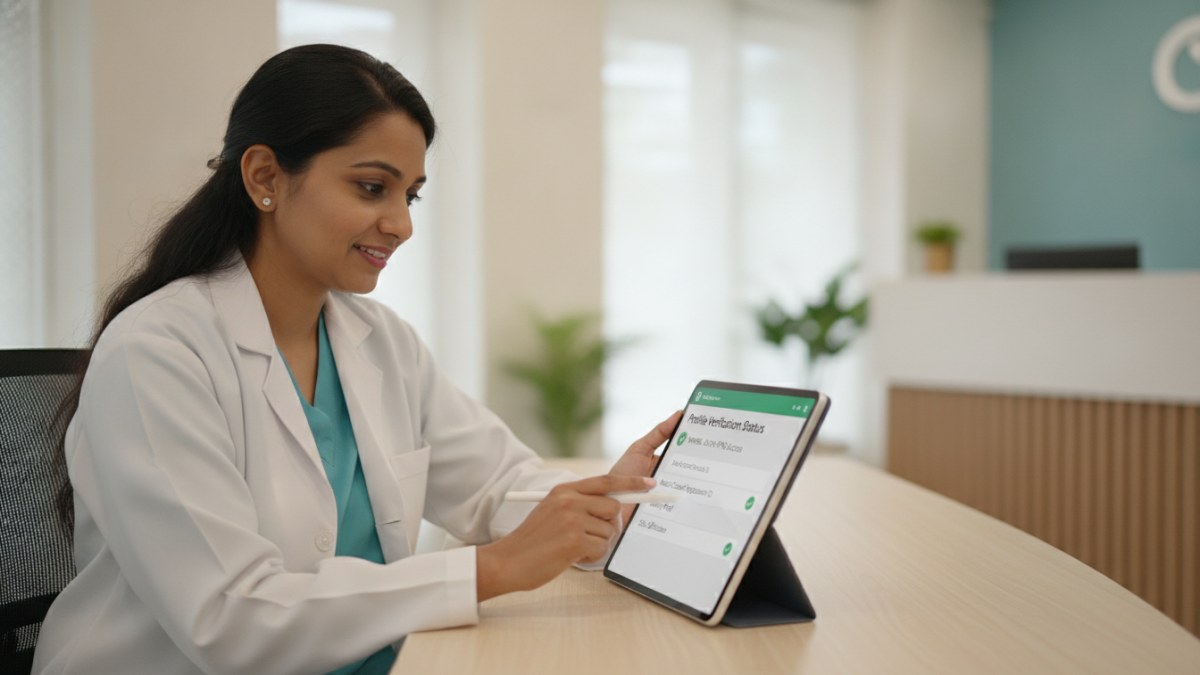
See patient records, consultation notes, digital prescriptions and follow-up features.
How to Check Your Profile Verification Status
Follow these steps to confirm the verification status of your doctor profile:
- Log in to Your Doctor Workspace: Use your registered doctor login credentials to access your dedicated workspace on the platform.
- Navigate to Your Profile Section: Once logged in, look for a section or tab labelled 'My Profile' or 'Profile Management'.
- Locate Verification Status: Within your profile details, you will find an indicator showing your verification status. This might be labelled as 'Verified', 'Pending Verification', or 'Action Required'.
- Review Pending Actions (If Any): If your profile is 'Pending Verification' or 'Action Required', check for any specific instructions or documents requested to complete the process.
- Submit Updates for Review: If you have made any changes to your qualifications, specialities, or clinic information, ensure these updates have been submitted through the profile review process.
About the Patient Management Software (PMS)
The Patient Management Software (PMS) is designed to simplify your everyday clinic operations. It provides a connected workspace to manage patient history, consultation notes, and documents. You can also utilise it for digital prescriptions, test recommendations, and follow-up scheduling. This system helps you maintain your own diagnoses, medicines, and clinical masters within a structured environment.
Currently, the PMS offers a one-year free introductory access for doctors. A verified profile is a prerequisite to avail and utilise this software effectively.
Explore the supported features for this workflow: Doctor profile and clinic visibility services.
Explore doctor profiles and clinic details
Use these directory pages to check listed contact and clinic information. Confirm current fees and appointment availability with the clinic; these links are not endorsements.

Ophthalmologist - Gurgaon
Dr. Sanjeev Bisla
Contact the clinic for appointments.
- Cataract Surgery
- LASIK & Contoura Vision
- SMILE Eye Surgery
- Retina Treatment
- Glaucoma Care
- Cornea & Keratoconus Care
- Eye Examination
- Squint Treatment
See patient records, consultation notes, digital prescriptions and follow-up features.