Doctors: How to View Patient History and Allergy Details During Consultation?
Learn how to quickly access a patient's complete history, including allergies and previous visit notes, using Patient Management Software during your…

12 views
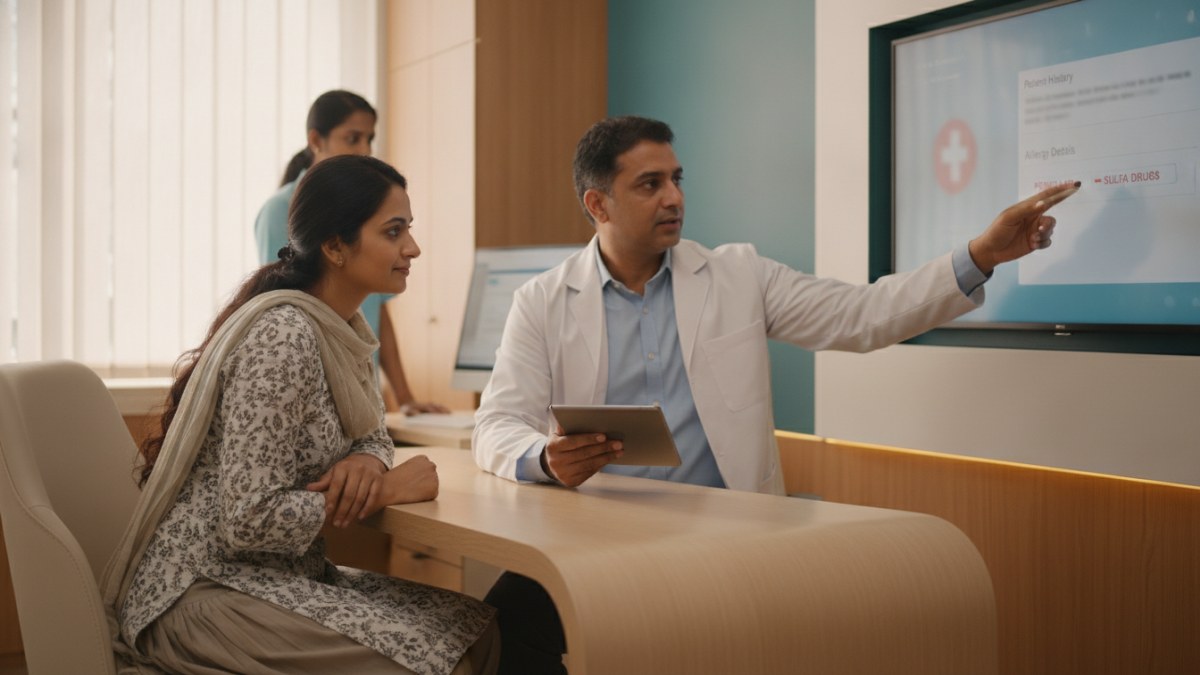
See patient records, consultation notes, digital prescriptions and follow-up features.
Accessing Patient History and Allergy Details During Consultation
During a busy consultation, having immediate access to a patient's medical history and allergy information is crucial for informed decision-making. A Patient Management Software (PMS) can help you keep all essential details organised and readily available.
This guide outlines how doctors can efficiently view patient history and allergy details within their clinic workspace.
Steps to View Patient History and Allergy Information
- Log In to Your PMS Workspace: Access your secure DoctorsDetails Patient Management Software using your verified doctor profile credentials. This ensures all patient data is protected and linked to your practice.
- Search for the Patient: Use the search bar or patient list to find the specific patient you are consulting. You can typically search by name or patient ID.
- Open the Patient's Profile: Once found, click on the patient's name to open their comprehensive profile. This central record consolidates all their medical information.
- Navigate to History and Allergy Sections: Within the patient's profile, look for dedicated sections or tabs labelled 'History', 'Allergies', or 'Previous Visits'. The PMS workspace is designed to keep important alerts, like allergy history, prominently displayed alongside the current consultation details.
- Review Previous Consultations and Notes: Explore the clinical timeline to review past complaints, findings, diagnoses, prescriptions, and follow-up notes. Important historical information and pinned notes will be visible, providing context for the current visit.
Benefits of Organised Patient Records
Using a Patient Management Software helps streamline your clinic operations, allowing you to focus more on patient care and less on paperwork. The system keeps patient registration, consultation records, digital prescriptions, test reports, and follow-up plans together in one connected workspace.
Doctors who join during the introductory period can use DoctorsDetails PMS free for one year. This offer provides a secure, mobile-friendly platform to manage patient records, consultations, and follow-ups efficiently.
Setting Up Your Clinic Workspace
To begin using the Patient Management Software, follow these simple steps:
- Find or Register Your Profile: Locate your existing doctor profile on DoctorsDetails or register your clinic if you are new to the platform.
- Verify Your Profile: Claim your profile and complete the verification process using a listed email or WhatsApp contact. This step is essential for secure access.
- Start Your Workspace: Once verified, you can open your clinic workspace, add your first patient, and begin connecting their consultations digitally.
Explore the supported features for this workflow: Patient Management Software for doctors.
Explore doctor profiles and clinic details
Use these directory pages to check listed contact and clinic information. Confirm current fees and appointment availability with the clinic; these links are not endorsements.

Ophthalmologist - Gurgaon
Dr. Sanjeev Bisla
Contact the clinic for appointments.
- Cataract Surgery
- LASIK & Contoura Vision
- SMILE Eye Surgery
- Retina Treatment
- Glaucoma Care
- Cornea & Keratoconus Care
- Eye Examination
- Squint Treatment
See patient records, consultation notes, digital prescriptions and follow-up features.