Doctors: Patient Clinical Documents PMS mein Kaise Organize aur Access Karein?
Jaaniye DoctorsDetails Patient Management Software (PMS) ka upyog karke patient ke clinical documents ko kaise vyavasthit karein aur unhe aasani se…

10 views
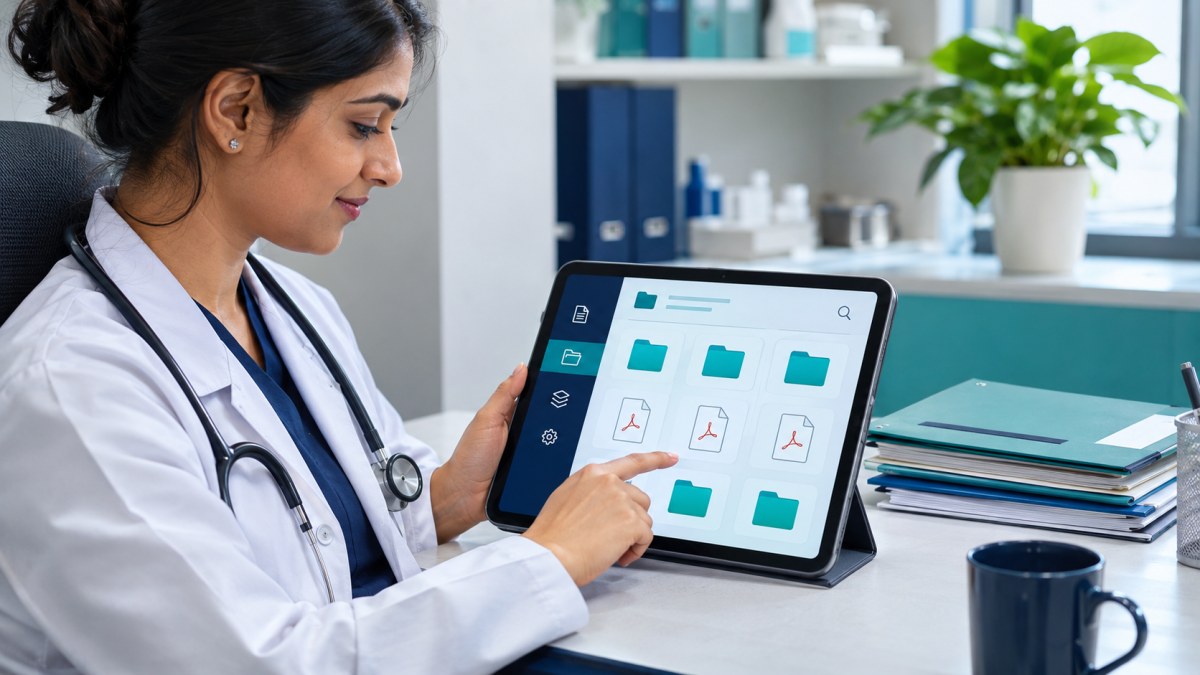
See patient records, consultation notes, digital prescriptions and follow-up features.
Patient Clinical Documents Ko PMS Mein Kaise Manage Karein?
Apne clinic mein patient ke clinical documents ko sahi dhang se organize karna aur unhe zaroorat padne par turant access karna bahut zaroori hai. DoctorsDetails Patient Management Software (PMS) aapko ismein madad karta hai, jisse aapka kaam aasaan ho jaata hai aur aap patient care par zyada dhyaan de paate hain.
PMS Mein Clinical Documents Organize Karne Ke Steps:
- Patient Profile Mein Documents Upload Karein: Jab aap kisi patient ka naya record banate hain ya unki purani visit update karte hain, toh aap unke clinical documents (jaise test reports, previous prescriptions, ya anya medical records) ko seedhe unke profile mein upload kar sakte hain.
- Documents Ko Sahi Category Mein Rakhein: PMS aapko documents ko alag-alag categories mein organize karne ki suvidha deta hai. Isse aapko baad mein kisi khaas report ko dhoondhne mein aasani hoti hai.
- Important Notes Aur Allergy Details Add Karein: Documents ke saath-saath, aap patient ki important history, allergies aur clinical notes bhi unke profile mein jod sakte hain. Yeh jaankari consultation ke dauraan aapke liye hamesha available rahegi.
- Clinical Timeline Ka Upyog Karein: Har visit ke saath, documents aur notes clinical timeline mein judte jaate hain. Isse aap patient ki poori medical journey ko ek jagah par dekh sakte hain, pehli consultation se lekar follow-up tak.
- Mobile Aur Desktop Par Access Karein: DoctorsDetails PMS mobile aur desktop dono par kaam karta hai. Iska matlab hai ki aap apne documents ko kahin se bhi, kabhi bhi access kar sakte hain, chahe aap clinic mein hon ya bahar.
DoctorsDetails PMS Ke Anya Fayde
Clinical documents ko manage karne ke alawa, DoctorsDetails PMS aapko aur bhi kai suvidhayein deta hai:
- Patient Registration aur Visit History: Naye patients ko register karein aur unki purani visits ka poora record dekhein.
- Consultation Notes: Har consultation ke dauraan patient ki complaints, vitals aur clinical findings record karein.
- Digital Prescriptions: Medicines, dose, frequency aur patient instructions ke saath digital prescriptions banayein aur print karein.
- Tests aur Reports Tracking: Advised investigations ko track karein aur uploaded reports ko patient ke record mein jod dein.
- Follow-up Planning: Patient ke liye follow-up visits plan karein aur unhe track karein.
- Custom Diagnoses, Tests aur Medicines: Apni specialty ke hisaab se diagnoses, tests aur medicines ki apni library banayein.
DoctorsDetails PMS doctors ke liye ek saal tak free introductory access offer kar raha hai. Is offer ke dauraan shuru karne ke liye koi payment nahi chahiye. Isse aap apne clinic ke operations ko behtar bana sakte hain aur patient care ko aur bhi prabhavi bana sakte hain.
Is workflow ke supported features dekhein: Patient Management Software for doctors.
Explore doctor profiles and clinic details
Use these directory pages to check listed contact and clinic information. Confirm current fees and appointment availability with the clinic; these links are not endorsements.
Ophthalmologist - Gurgaon
Dr. Sanjeev Bisla
Contact the clinic for appointments.
- Cataract Surgery
- LASIK & Contoura Vision
- SMILE Eye Surgery
- Retina Treatment
- Glaucoma Care
- Cornea & Keratoconus Care
- Eye Examination
- Squint Treatment
See patient records, consultation notes, digital prescriptions and follow-up features.