Doctors: Apni Profile Verification Kaise Tez Karein PMS Access Ke Liye?
Jaldi Patient Management Software (PMS) access paane ke liye apni doctor profile verification process ko kaise speed up karein. Zaroori steps aur tips.

0 views
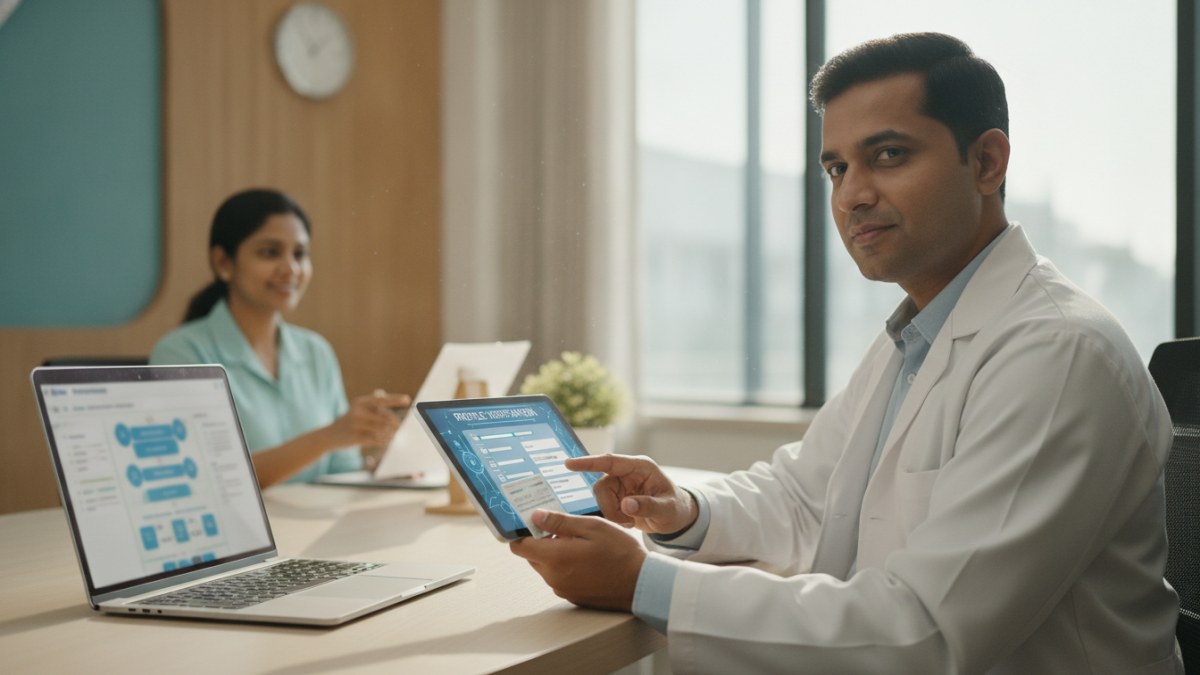
See patient records, consultation notes, digital prescriptions and follow-up features.
Doctor Profile Verification Kyun Zaroori Hai?
DoctorsDetails platform par Patient Management Software (PMS) access karne ke liye, aapki doctor profile ka verified hona bahut zaroori hai. Verification se aapki credentials ki authenticity confirm hoti hai, aur aapko platform ke sabhi features, jaise ki 1 saal tak free introductory PMS access, mil paate hain. Isse aap apni practice ko behtar tareeke se manage kar sakte hain.
Apni Profile Verification Ko Kaise Tez Karein?
Apni profile verification process ko jaldi complete karne ke liye in steps ko follow karein:
- Sahi Jankari Bharein: Jab aap apni public doctor profile banate hain ya existing listing ko claim karte hain, toh apni qualifications, specialties, aur clinic ki sahi aur poori jankari bharein. Adhoori ya galat jankari se verification mein deri ho sakti hai.
- Zaroori Documents Upload Karein: Verification ke liye maange gaye sabhi documents, jaise ki medical registration certificate aur ID proof, saaf aur readable format mein upload karein.
- Clinic Details Confirm Karein: Apne clinic ka address, contact details, aur timings bilkul accurate rakhein. Yeh jankari patients ko aap tak pahunchne mein madad karti hai aur verification process ko smooth banati hai.
- Profile Review Process Follow Karein: Jab aap apni profile submit karte hain, toh platform ke profile review process ko follow karein. Agar koi correction ya additional jankari maangi jaati hai, toh use turant provide karein.
- Regularly Check Karein: Apni profile ka status regularly check karte rahein. Agar koi issue hai, toh use jaldi resolve karein.
PMS Ke Fayde
Verified profile ke baad, aapko Patient Management Software (PMS) ka access milta hai. Isse aap:
- Patient history, consultation notes aur documents ek jagah manage kar sakte hain.
- Digital prescriptions, tests aur follow-ups record kar sakte hain.
- Apne diagnoses, medicines aur clinical masters ko organize kar sakte hain.
Yeh sab aapke everyday clinic work ko ek connected workspace mein laata hai, jisse paperwork kam hota hai aur har consultation ke liye behtar context milta hai.
Is workflow ke supported features dekhein: Doctor profile and clinic visibility services.
Explore doctor profiles and clinic details
Use these directory pages to check listed contact and clinic information. Confirm current fees and appointment availability with the clinic; these links are not endorsements.

MBBS · General Physician · Jabalpur
Dr. Aditya Kumar
Contact clinic for availability.
क्लिनिक से संपर्क करें
कर्मेता, जबलपुर
- General Consultation
- Diabetes Care
- Blood Pressure Management
- Wound Dressing
Ophthalmologist - Gurgaon
Dr. Sanjeev Bisla
Contact the clinic for appointments.
- Cataract Surgery
- LASIK & Contoura Vision
- SMILE Eye Surgery
- Retina Treatment
- Glaucoma Care
- Cornea & Keratoconus Care
- Eye Examination
- Squint Treatment


See patient records, consultation notes, digital prescriptions and follow-up features.