How to Expedite Your Doctor Profile Verification for PMS Access
Learn the essential steps to quickly verify your doctor profile, ensuring smooth access to Patient Management Software (PMS) and other platform services.

1 views
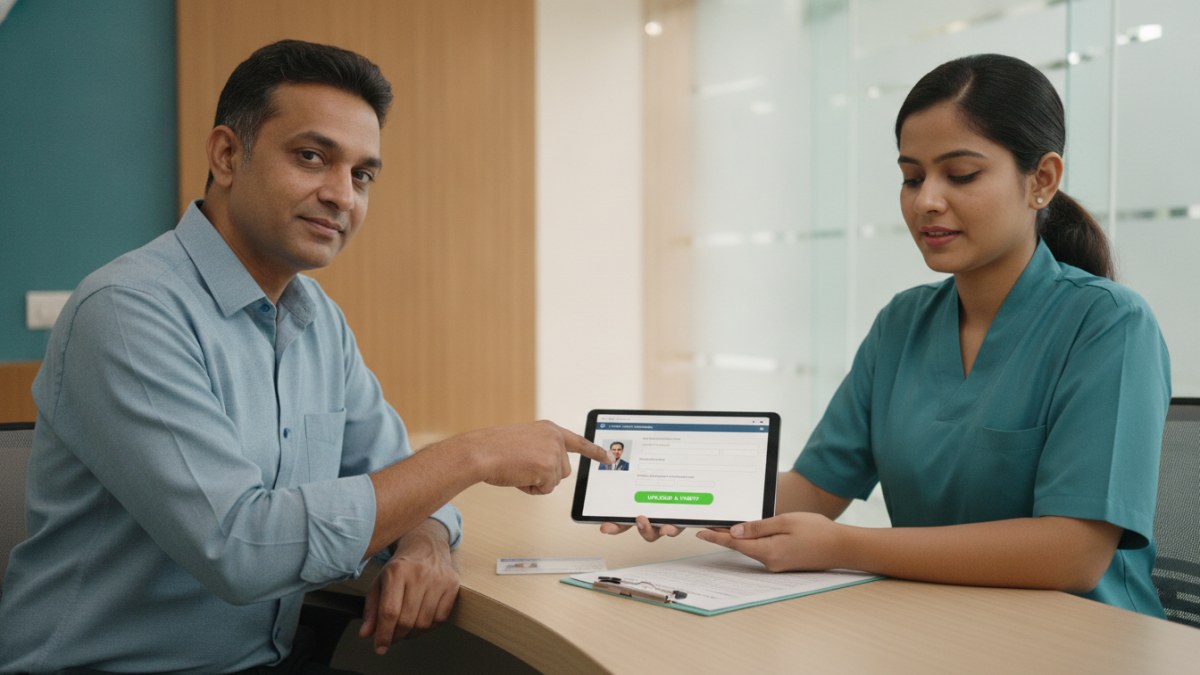
See patient records, consultation notes, digital prescriptions and follow-up features.
Why is Doctor Profile Verification Important?
For doctors and clinic teams in India, a verified profile is the gateway to accessing essential services like the Patient Management Software (PMS) and managing your public presence. Verification ensures that your professional details are accurate and that you are the rightful owner of the profile, maintaining trust and data security across the platform.
A complete and verified profile also helps patients find accurate information about your practice, including qualifications, specialities, and clinic details. This foundational step is crucial for leveraging the platform's full potential.
Steps to Speed Up Your Doctor Profile Verification
To ensure a swift verification process for your doctor profile and gain access to services like the Patient Management Software, follow these key steps:
- Create or Claim Your Profile: Begin by creating a new public doctor profile on the platform or, if an existing listing for your practice is already present, initiate the claim process to assert ownership.
- Provide Comprehensive Details: Fill in all required information accurately. This includes your qualifications, specialities, clinic address, contact details, and timings. A profile photo and details about available facilities can also be added.
- Submit for Review: Once all details are entered, submit your profile for the review process. The platform's team will assess the information provided.
- Respond to Verification Requests Promptly: The platform may require additional documentation or clarification to verify your identity and practice details. Respond to these requests as quickly as possible to avoid delays. This might involve confirming your registration or other professional credentials.
- Monitor Your Workspace: Keep an eye on your doctor workspace for any updates or messages regarding your verification status. This is where you will receive notifications and prompts for further action.
Introducing Patient Management Software (PMS)
Once your doctor profile is verified, you gain access to the Patient Management Software (PMS). This system is designed to streamline everyday clinic work, helping you manage patient history, consultation notes, and documents efficiently. It also supports digital prescriptions, tests, and follow-ups, along with your own diagnoses, medicines, and clinical masters.
As an introductory offer, access to the Patient Management Software is currently free for one year. This allows you to experience the benefits of a connected workspace without initial cost, helping you focus more on patient care and less on paperwork.
Explore the supported features for this workflow: Doctor profile and clinic visibility services.
Explore doctor profiles and clinic details
Use these directory pages to check listed contact and clinic information. Confirm current fees and appointment availability with the clinic; these links are not endorsements.

Dental Surgeon · Bhopal
Dr. Mansi Chourasiya
Contact clinic for availability.
क्लिनिक से संपर्क करें
भोपाल · BDS 2022
- Dental Consultation

MBBS · General Physician · Jabalpur
Dr. Aditya Kumar
Contact clinic for availability.
क्लिनिक से संपर्क करें
कर्मेता, जबलपुर
- General Consultation
- Diabetes Care
- Blood Pressure Management
- Wound Dressing

Ophthalmologist - Gurgaon
Dr. Sanjeev Bisla
Contact the clinic for appointments.
- Cataract Surgery
- LASIK & Contoura Vision
- SMILE Eye Surgery
- Retina Treatment
- Glaucoma Care
- Cornea & Keratoconus Care
- Eye Examination
- Squint Treatment

See patient records, consultation notes, digital prescriptions and follow-up features.