Doctors: How to Efficiently Manage Patient Allergies, History, and Consultation Notes
Learn practical steps for doctors and clinic teams to effectively record and access patient allergies, medical history, and consultation notes, ensuring…

10 views
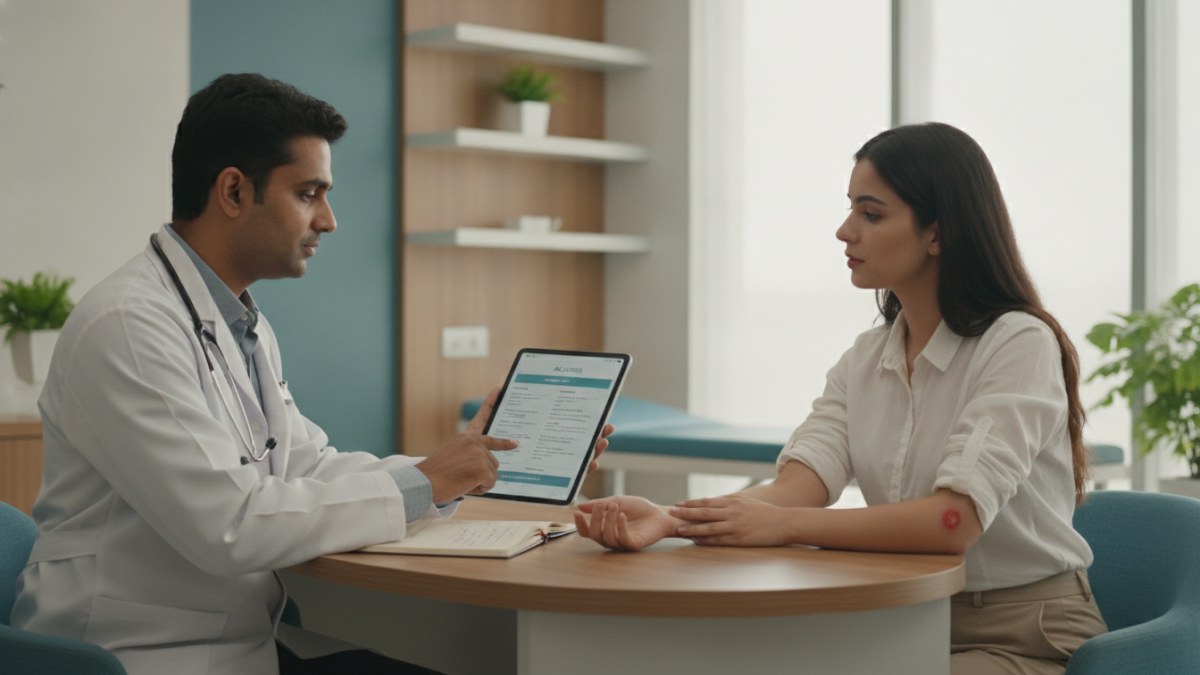
See patient records, consultation notes, digital prescriptions and follow-up features.
Efficiently Managing Patient Information in Your Clinic
Maintaining accurate and easily accessible patient information is crucial for effective clinical practice. This includes a patient's allergy history, past medical records, and detailed consultation notes. Organising this data systematically helps ensure patient safety and continuity of care.
Key Steps for Organising Patient Allergies, History, and Notes
A structured approach can significantly improve how you manage patient data, making it readily available when you need it most.
- Standardise Allergy Recording: Always record known patient allergies prominently. This includes drug allergies, food allergies, or any other sensitivities. Ensure this information is visible at the start of every consultation.
- Maintain a Comprehensive Medical History: For each patient, keep a clear record of their past illnesses, surgeries, chronic conditions, and previous treatments. This historical context is vital for accurate diagnosis and treatment planning.
- Detail Consultation Notes: Document every patient interaction thoroughly. Include the presenting complaint, clinical findings, diagnoses, advised investigations, and treatment plans. Clear notes help track progress and inform subsequent visits.
- Keep Records Connected: Ensure that all patient information – from registration details to follow-up plans – is linked to a single patient record. This prevents fragmentation of data and provides a holistic view of the patient's health journey.
- Regularly Update and Review: Patient information is dynamic. Make it a practice to update allergy details, medical history, and current medications during each visit. Periodically review older records for completeness and accuracy.
Simplify Patient Data Management with a Digital Workspace
Managing patient information can be streamlined using a dedicated Patient Management Software (PMS). Such a system provides a secure, organised digital workspace to keep all essential patient details in one place.
How Patient Management Software Can Help
A PMS can transform how you handle patient records, making your clinic operations smoother and more efficient.
- Centralised Patient Records: Keep patient registration, connected visit history, important history, allergies, and clinical documents together in a single digital profile.
- Accessible Consultation Notes: Easily record and access consultation notes, including presenting complaints, vitals, and clinical findings, during or after a patient visit.
- Digital Prescriptions: Create digital prescriptions with customisable medicine instructions, dose, frequency, and duration, which can be printed or saved.
- Track Tests and Follow-ups: Manage advised investigations, track pending reports, and plan follow-up visits directly within the patient's record.
- Custom Clinical Masters: Build your own library of diagnoses, medicines, and tests relevant to your specialty for quicker documentation.
- Mobile and Desktop Access: Access your secure clinic workspace from both mobile devices and desktop computers, offering flexibility.
Doctors can register or claim their profile and complete verification to access a secure PMS workspace. As an introductory offer, doctors can use this Patient Management Software free for one year, with no payment required to start during this period.
For Medical Representatives
When discussing Patient Management Software with doctors, focus on how these features address their operational needs for managing patient data efficiently. Respect their time and preferences, providing clear information without any inducements.
Explore the supported features for this workflow: Patient Management Software for doctors.
Explore doctor profiles and clinic details
Use these directory pages to check listed contact and clinic information. Confirm current fees and appointment availability with the clinic; these links are not endorsements.

Ophthalmologist - Gurgaon
Dr. Sanjeev Bisla
Contact the clinic for appointments.
- Cataract Surgery
- LASIK & Contoura Vision
- SMILE Eye Surgery
- Retina Treatment
- Glaucoma Care
- Cornea & Keratoconus Care
- Eye Examination
- Squint Treatment
See patient records, consultation notes, digital prescriptions and follow-up features.