Doctors: How to Ensure Accurate Qualifications on Your Public Profile
Maintain an up-to-date public doctor profile. Learn how to review and update your qualifications and specialisations for accuracy and patient trust.

8 views
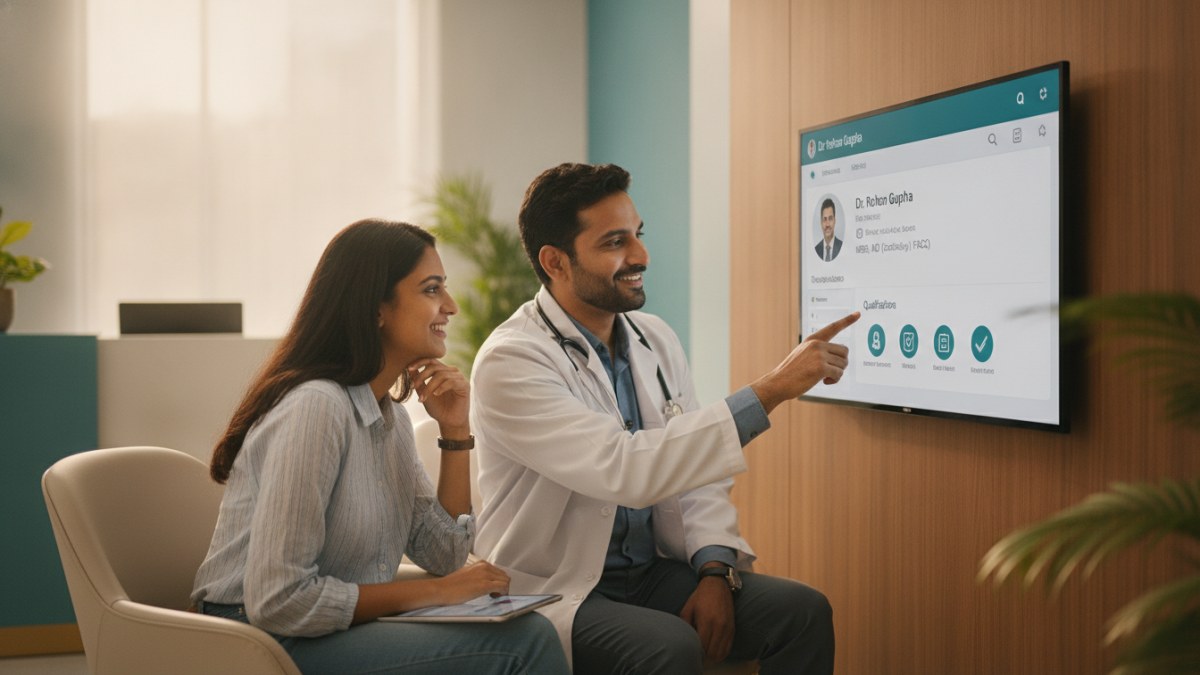
Why Accurate Profile Information Matters
Your public profile is often the first point of contact for potential patients. It helps them understand your expertise and decide if you are the right doctor for their needs. Accurate information builds credibility and ensures patients can make informed choices.
Steps to Update Your Qualifications and Specialisations
Follow these actions to review and update your professional details on your public profile:
- Access Your Doctor Workspace: Log in to your dedicated doctor workspace using your registered credentials. This central hub allows you to manage various aspects of your professional presence.
- Navigate to Your Public Profile Section: Within your workspace, locate the section dedicated to managing your public doctor profile. This is where all your visible information is stored.
- Review Existing Qualifications: Carefully examine all listed qualifications, degrees, and certifications. Check for any outdated entries, typos, or missing information.
- Verify Specialisations: Confirm that your listed specialisations accurately represent your current practice areas. If you have acquired new specialisations or discontinued old ones, ensure these changes are reflected.
- Submit Updates for Review: Once you have made the necessary corrections or additions, submit these updates through the designated profile review process. This ensures that all changes are verified before being published.
- Monitor Verification Status: After submission, keep an eye on the status of your profile update. The platform will typically notify you once the changes have been reviewed and applied to your public profile.
Leveraging Patient Management Software for Profile Management
While managing your public profile, you might also consider how a Patient Management Software (PMS) system can streamline your clinic operations. A PMS can help keep everyday clinic work in one connected workspace, managing patient history, consultation notes, and documents. It also supports digital prescriptions, tests, and follow-ups, along with your own diagnoses, medicines, and clinical masters.
An introductory offer provides free access to the Patient Management Software for one year, helping you organise your practice efficiently.
Explore the supported features for this workflow: Doctor profile and clinic visibility services.
Explore doctor profiles and clinic details
Use these directory pages to check listed contact and clinic information. Confirm current fees and appointment availability with the clinic; these links are not endorsements.
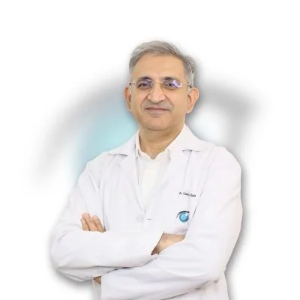
Ophthalmologist - Gurgaon
Dr. Sanjeev Bisla
Contact the clinic for appointments.
- Cataract Surgery
- LASIK & Contoura Vision
- SMILE Eye Surgery
- Retina Treatment
- Glaucoma Care
- Cornea & Keratoconus Care
- Eye Examination
- Squint Treatment
Browse doctor listings by city and specialization on DoctorsDetails.