What Should Doctors Check Before Printing a Digital Prescription?
Learn how to review and finalise digital prescription instructions for clarity and completeness, enhancing patient understanding and care.

3 views Updated 23 Oct 2026
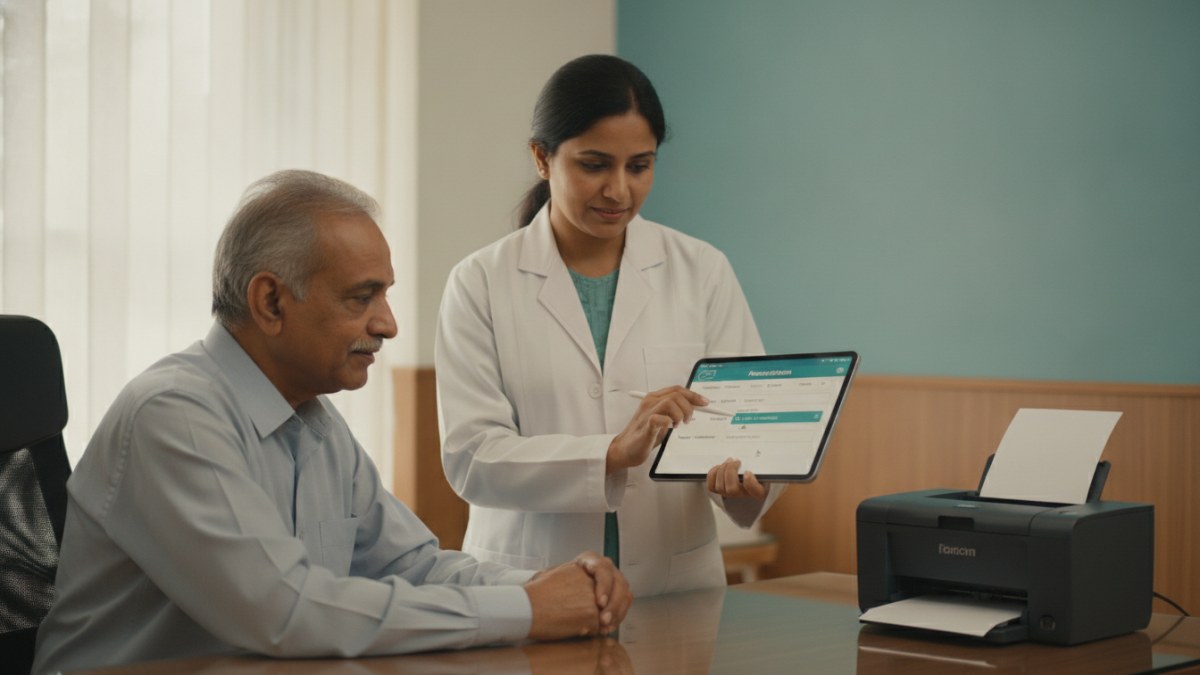
Ensuring Clear Digital Prescription Instructions
In a busy clinic, ensuring every detail on a digital prescription is accurate and easy for patients to understand is crucial. Before printing, a quick review of the instruction fields can prevent confusion and support better patient adherence to their treatment plan. This step is vital for patient safety and effective care.
Steps to Review Digital Prescription Instructions
To ensure your digital prescriptions are complete and clear for every patient, consider these steps before finalising and printing:
- Verify Medicine Details: Confirm the correct medicine name, strength, and dosage form are selected from your master list.
- Check Dose and Frequency: Double-check the prescribed dose and how many times a day the medicine should be taken.
- Confirm Duration: Ensure the total duration of the treatment (e.g., days, weeks) is clearly specified.
- Review Food Timing: Confirm if the medicine should be taken before, with, or after food, and that this instruction is explicit.
- Specify Quantity: Ensure the total quantity of medicine to be dispensed is accurate.
- Customise Patient Instructions: Read through any free-text patient instructions to ensure they are simple, unambiguous, and address any specific patient needs or precautions.
- Final Visual Check: Briefly scan the entire prescription for any missing fields or formatting issues before printing.
Streamlining Your Clinic Workflow with Patient Management Software
Managing patient records, consultations, and prescriptions efficiently is key to a well-organised practice. A dedicated Patient Management Software (PMS) can significantly simplify these daily tasks, allowing you to focus more on patient care and less on administrative burden.
The Doctors Details Patient Management Software offers a connected clinical workspace designed for doctors in India. It helps you keep patient registration, visit history, clinical notes, digital prescriptions, tests, reports, and follow-up plans all in one secure place. This system supports your workflow from the initial complaint through to follow-up visits, ensuring all relevant details are readily accessible.
With this software, you can:
- Maintain comprehensive patient records, including allergy history and important notes.
- Record consultation details, vitals, and clinical findings efficiently.
- Create clear digital prescriptions with editable instructions for dose, frequency, duration, food timing, and quantity.
- Track advised investigations, uploaded reports, and plan follow-up visits.
- Customise your own masters for diagnoses, tests, and medicines relevant to your specialty.
- Access your workspace on both mobile and desktop devices.
Doctors who join during the introductory offer can access the Doctors Details Patient Management Software free for one year. This allows you to experience a more organised clinic workflow without any initial payment.
Explore the supported features for this workflow: Patient Management Software for doctors.
Explore doctor profiles and clinic details
Use these directory pages to check listed contact and clinic information. Confirm current fees and appointment availability with the clinic; these links are not endorsements.

General Physician · Hatpipliya
Dr. Vishnu Prasad Malviya
Contact clinic for availability.
क्लिनिक से संपर्क करें
देवास जिला · MBBS 2022
- General Consultation

MBBS · General Physician · Jabalpur
Dr. Aditya Kumar
Contact clinic for availability.
क्लिनिक से संपर्क करें
कर्मेता, जबलपुर
- General Consultation
- Diabetes Care
- Blood Pressure Management
- Wound Dressing

Ophthalmologist - Gurgaon
Dr. Sanjeev Bisla
Contact the clinic for appointments.
- Cataract Surgery
- LASIK & Contoura Vision
- SMILE Eye Surgery
- Retina Treatment
- Glaucoma Care
- Cornea & Keratoconus Care
- Eye Examination
- Squint Treatment

Browse doctor listings by city and specialization on Doctors Details.