How to Keep Your Doctor Profile and Clinic Details Accurate
Maintain up-to-date qualifications, specialisations, and clinic information on your public profile. Learn how to create or claim your listing.

2 views
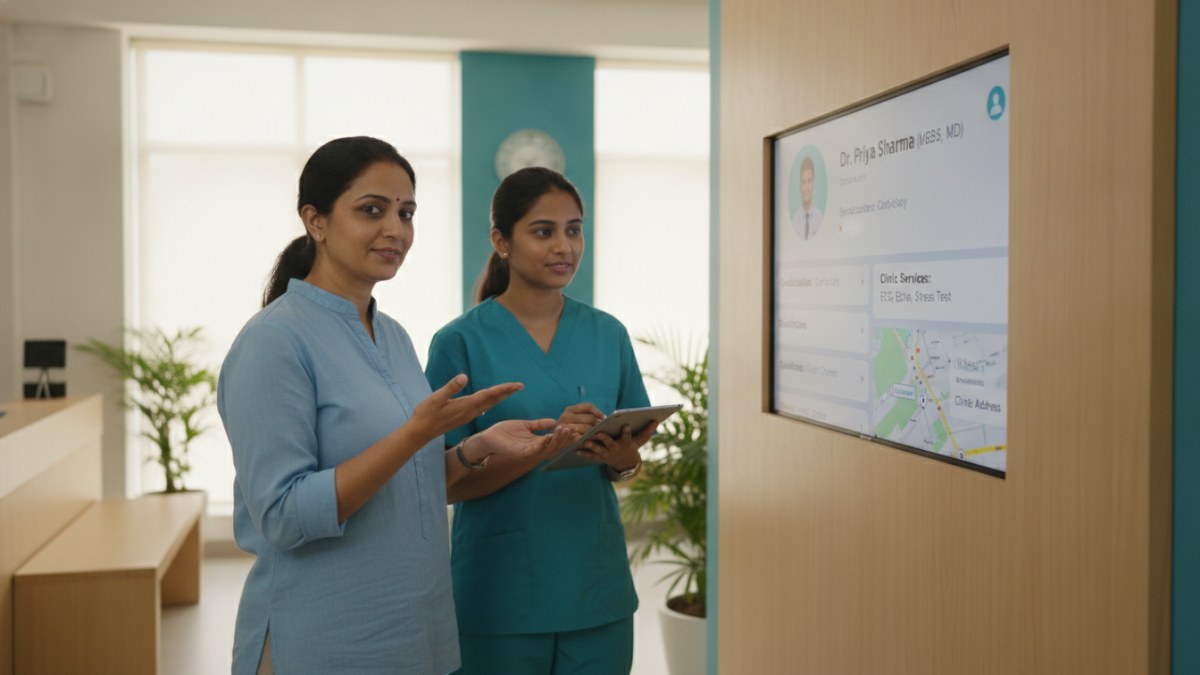
Why Accurate Public Information Matters
Your public doctor profile serves as a primary source of information for individuals seeking medical care. An accurate profile helps patients make informed decisions and ensures that your professional details, such as qualifications, specialisations, and clinic services, are correctly represented. It also facilitates professional connections with medical representatives, who rely on precise information for their outreach.
Managing Your Public Doctor Profile and Clinic Visibility
The platform offers tools to help you create, claim, and update your public doctor profile. This ensures that your professional details and clinic information are always current and accessible.
Steps to Ensure Profile Accuracy
- Create Your Profile or Claim an Existing Listing: If you are new to the platform, you can create a new doctor profile. If your details are already listed, you can find and claim that existing listing. This step is essential for verifying ownership and gaining control over the information displayed.
- Submit Your Qualifications and Specialisations: Once your profile is established, accurately add all your professional qualifications and areas of specialisation. This helps patients understand your expertise.
- Provide Clinic Information: Ensure your clinic's address, contact details, and timings are correct. You can also list the services offered and available facilities at your clinic.
- Submit Updates for Review: Any changes or additions to your profile, including photos, services, or facilities, must be submitted through the profile review process. This ensures that all public information is verified before it goes live.
- Explore Clinic Visibility Options: Beyond the free listing, you can explore optional promotion plans to enhance your clinic's visibility. These plans may offer additional features like gallery options or banner placements, as detailed on the platform's service pages.
Patient Management Software (PMS) for Doctors
To further streamline your practice, consider using the Patient Management Software (PMS) available on the platform. This system helps organise everyday clinic work in one connected workspace, managing patient history, consultation notes, and digital prescriptions. The PMS is currently available with a one-year introductory free offer.
Connecting with Medical Representatives
The platform also facilitates professional discussions with medical representatives. Through MR–Doctor Connect, you can receive requests with product details, exchange messages, and schedule meetings, all while respecting your preferences for communication.
Explore the supported features for this workflow: Doctor profile and clinic visibility services.
Explore doctor profiles and clinic details
Use these directory pages to check listed contact and clinic information. Confirm current fees and appointment availability with the clinic; these links are not endorsements.

General Physician · Hatpipliya
Dr. Vishnu Prasad Malviya
Contact clinic for availability.
क्लिनिक से संपर्क करें
देवास जिला · MBBS 2022
- General Consultation
Ophthalmologist - Gurgaon
Dr. Sanjeev Bisla
Contact the clinic for appointments.
- Cataract Surgery
- LASIK & Contoura Vision
- SMILE Eye Surgery
- Retina Treatment
- Glaucoma Care
- Cornea & Keratoconus Care
- Eye Examination
- Squint Treatment

MBBS · General Physician · Jabalpur
Dr. Aditya Kumar
Contact clinic for availability.
क्लिनिक से संपर्क करें
कर्मेता, जबलपुर
- General Consultation
- Diabetes Care
- Blood Pressure Management
- Wound Dressing

Browse doctor listings by city and specialization on Doctors Details.