Free Patient Management Software: Your First-Day Setup Guide
Set up Doctors Details PMS, verify your profile and add your first patient. Explore patient management software with a one-year free introductory offer.

6 views
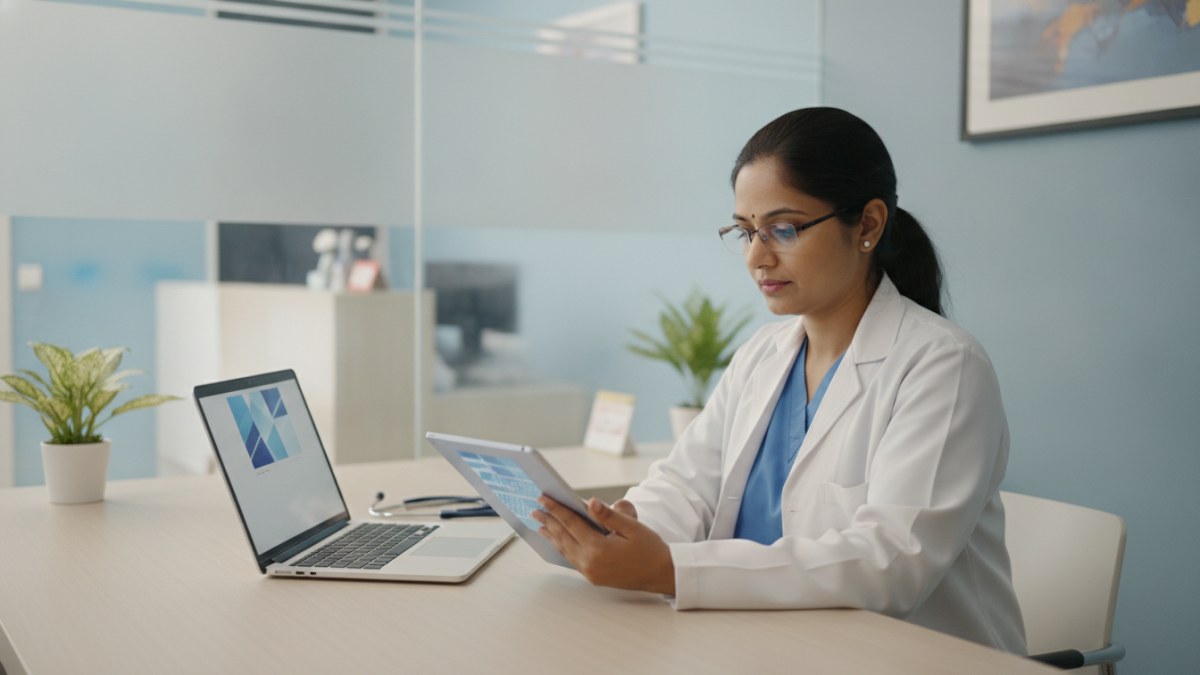
Embracing Digital Efficiency: Your First Step with Doctors Details PMS
In today's fast-paced healthcare environment, managing patient records efficiently is crucial for every doctor in India. From initial consultations to follow-up visits, keeping track of patient history, prescriptions, and test results can be a time-consuming task, often adding to the daily paperwork burden. Doctors Details understands these challenges and offers a streamlined solution: its Patient Management Software (PMS).
This comprehensive digital workspace is designed to bring your everyday clinical workflow into one clear, connected place. Whether you're at your desk or on the move, Doctors Details PMS helps you manage patient records, consultations, digital prescriptions, tests, reports, and follow-ups without the hassle of traditional paperwork. For doctors joining during the introductory period, this powerful tool is available free for one year, with no payment required to start.
This guide will walk you through the essential first steps to set up your Doctors Details PMS, from registering your profile to adding your very first patient, ensuring you can quickly harness the benefits of a more organised and connected practice.
Claiming Your Doctors Details Profile and Verification: The Gateway to PMS
Access to Doctors Details Patient Management Software is securely linked to your verified doctor profile. Access is linked to your verified profile and the permissions assigned to your authorised team. If you haven't already, the first step is to establish or claim your professional presence on Doctors Details.
- Find or Register Your Profile: Begin by visiting DoctorsDetails.com. You can search for your existing doctor or clinic profile. If you're new to the platform, you'll need to register your clinic or create your doctor profile.
- Claim and Verify: Once you've located or created your profile, the next crucial step is to claim it. This process typically involves verifying a listed email or WhatsApp contact associated with your practice. This verification step confirms that you are the authorised professional for that profile, securing your access to the PMS workspace.
Completing this verification is essential. It's your secure entry point to the digital workspace where you'll manage all your patient care activities. Without a registered and verified profile, you won't be able to open or utilise the secure PMS workspace.
Doctors Details Patient Management Software: Your Digital Clinic Workspace
Doctors Details PMS is more than just a record-keeping system; it's a comprehensive digital workspace designed to simplify your practice. It integrates all aspects of patient care, allowing you to focus more on your patients and less on administrative tasks.
- Unified Workflow: The PMS brings your entire clinical workflow into one place. From patient registration and consultation to creating digital prescriptions, advising tests, and scheduling follow-up care, everything is managed without switching between separate records.
- Mobile-Friendly Access: Whether you prefer working from your desktop at the clinic or need to access patient information on the go with your mobile device, the PMS workspace is responsive and accessible across supported browsers.
- Your Clinical Masters: The software understands that every specialty and doctor has unique needs. You can start with specialty-relevant suggestions for diagnoses, tests, and medicines, and then customise and manage your own clinical masters. This means you can quickly find and use the specific terms and treatments you commonly employ during consultations.
- Connected Care Journey: The PMS ensures a continuous patient care journey. Every visit adds to the same patient record, keeping all details that matter together, from the first complaint to the next visit. Important alerts stay visible beside each consultation.
- Simple EMR: It functions as a simple Electronic Medical Record (EMR) software, keeping vital information like important history, allergies, clinical notes, medicines, investigations, documents, and previous prescriptions readily available for ongoing care.
This integrated approach helps you provide more connected care with less form-filling, making your clinic day a little more organised.
Your First Patient: A Seamless Onboarding Experience
Once your Doctors Details profile is registered and verified, you're ready to open your secure PMS workspace and add your first patient. The process is designed to be intuitive, guiding you through each step of a consultation.
- Access Your Workspace: Log in to your verified Doctors Details profile and navigate to the PMS workspace.
- Add Your First Patient: You'll find a clear option to 'Add patient'. This initiates a new patient record where you can enter their basic details.
- Conducting the First Consultation: The PMS workspace is structured to mirror your natural clinical flow. You can easily record:
- Complaints and Findings: Document the patient's chief complaints and your clinical findings.
- Digital Prescription: Utilise your customised medicine master. Choose from your saved medicines, and for each entry, you can edit details such as dose, frequency, duration, food timing, quantity, and specific patient instructions. Once complete, you can print the prescription or save it as a PDF.
- Advising Tests: Recommend necessary investigations, drawing from your customisable test masters.
- Scheduling Follow-ups: Plan the next visit. The system defaults to a 3-day follow-up, but you can easily change it for your practice or for that specific patient's visit.
The beauty of the PMS is its ability to keep all these details connected. From the moment you register a patient and record their first consultation, every subsequent interaction builds upon this single, comprehensive record. This ensures that you always have the full picture of their health journey at your fingertips.
the 1-Year Introductory Offer for Doctors Details PMS
Doctors Details is committed to helping Indian doctors transition to more efficient digital practices. To facilitate this, the Patient Management Software is currently available with an attractive introductory offer.
- Free for One Year: Doctors who join and start using the Doctors Details PMS during this introductory period can utilise the software free for a full year.
- No Upfront Payment: To begin using the PMS under this offer, no payment is required or collected. You can start immediately and explore all its features without any financial commitment for the first year.
- Future Details: Doctors Details will share continuation and pricing details for the PMS before your introductory free year concludes. This ensures transparency and gives you ample time to decide on your continued use of the software.
This offer provides a valuable opportunity for you to experience the benefits of a digital patient management system, streamline your clinic operations, and enhance patient care without any initial cost.
Beyond the First Visit: Streamlining Ongoing Patient Care
The utility of Doctors Details PMS extends far beyond the initial patient setup. It's designed to support the entire continuum of care, making every subsequent patient interaction more informed and efficient.
- Continuous Patient Record: Each follow-up visit seamlessly integrates into the patient's existing record. You can quickly review previous notes, track progress, and ensure continuity of care with the full historical picture always available.
- Tracking Reports and Follow-ups: The system helps you keep advised investigations, uploaded reports, and follow-up plans organised with each patient's profile. Review pending reports and follow-up plans regularly; the doctor remains responsible for acting on clinical information.
- Important Alerts and History: Important alerts, such as allergies or specific medical history, stay visible beside the consultation, providing crucial context at a glance. The connected medical and visit history ensures that all relevant information is always accessible.
- Accessible Anywhere: With records available on both mobile and desktop, you have the flexibility to manage your practice from your clinic, home, or while travelling, ensuring you're always connected to your patient data.
Doctors Details PMS aims to give your clinic a more connected workspace, supported by clear access to information and assistance when you need it. It's about making your practice more organised, efficient, and ultimately, enabling you to provide better care.
Frequently asked questions
Is Doctors Details Patient Management Software truly free?
Yes, doctors who join during the introductory period can use Doctors Details PMS free for 1 year. No payment is collected to start using the PMS during this offer.
What can I manage with Doctors Details PMS?
You can manage patient registration, visit history, clinical notes, prescriptions, tests, reports, and follow-up plans, all within a single digital workspace.
Do I need a Doctors Details profile to use the PMS?
Yes, PMS access is linked to a registered or claimed and verified doctor profile. You must complete profile verification before opening the secure PMS workspace.
Can I customize diagnoses, tests, and medicines in the PMS?
Yes, specialty-based suggestions help you get started, and you can create and manage your own clinical masters for diagnoses, tests, medicines, and follow-up settings.
Is the Doctors Details PMS mobile-friendly?
Yes, the PMS workspace is responsive and can be used on supported mobile and desktop browsers, offering flexibility for your practice.
Explore doctor profiles and clinic details
Use these directory pages to check listed contact and clinic information. Confirm current fees and appointment availability with the clinic; these links are not endorsements.

Dental Surgeon · Bhopal
Dr. Mansi Chourasiya
Contact clinic for availability.
क्लिनिक से संपर्क करें
भोपाल · BDS 2022
- Dental Consultation
Ophthalmologist - Gurgaon
Dr. Sanjeev Bisla
Contact the clinic for appointments.
- Cataract Surgery
- LASIK & Contoura Vision
- SMILE Eye Surgery
- Retina Treatment
- Glaucoma Care
- Cornea & Keratoconus Care
- Eye Examination
- Squint Treatment

MBBS · General Physician · Jabalpur
Dr. Aditya Kumar
Contact clinic for availability.
क्लिनिक से संपर्क करें
कर्मेता, जबलपुर
- General Consultation
- Diabetes Care
- Blood Pressure Management
- Wound Dressing

Browse doctor listings by city and specialization on Doctors Details.